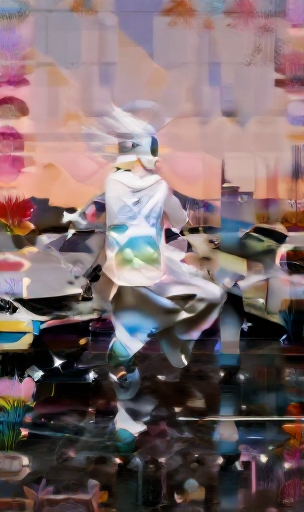
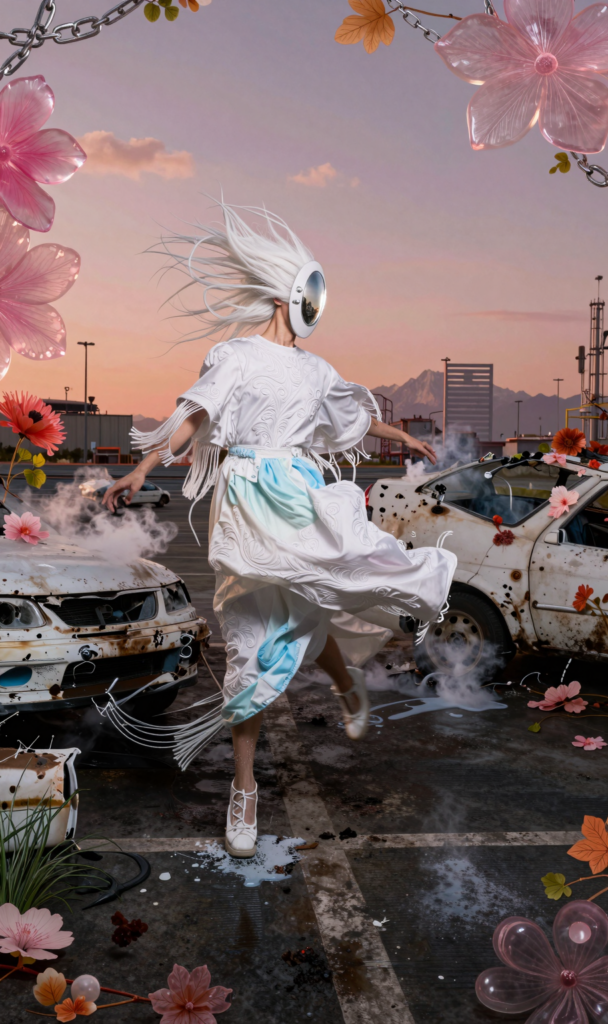
Working only with standard workflows and prompting is a pretty limited approach when trying to come up with visually interesting results. It’s therefore natural to find new paths to bend, disrupt, distort, hack and reassemble image generation workflows. Even older workflows like Stable Diffusion with its elaborate ControlNet modules come in pretty handy in combination with current image models like Z-Image or Flux2Klein, which offer proper prompt understanding and a much wider range of visual variety and differentiation. The following example workflow shows one simple way to build up a composition with multiple elements – using hand-drawn maps and ControlNet modules to remix the entire composition, and elaborate image-to-image workflows to reassemble and upscale from a rough sketch to a polished result.
step #1 – creating the basic scene and elements as a prompt
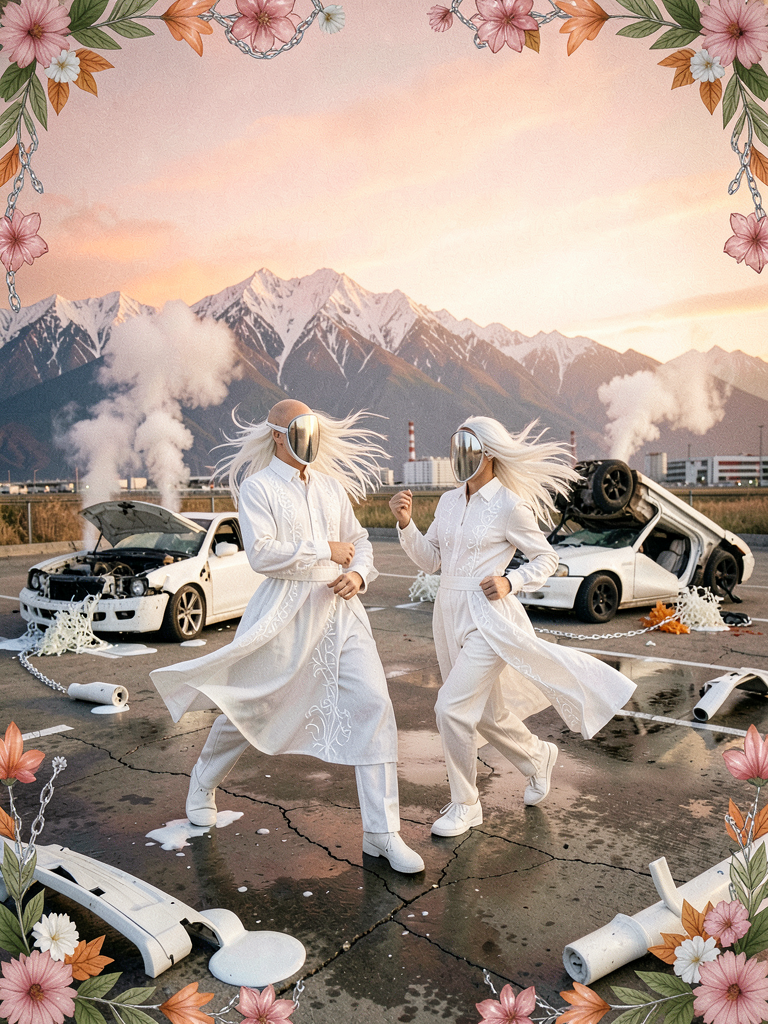
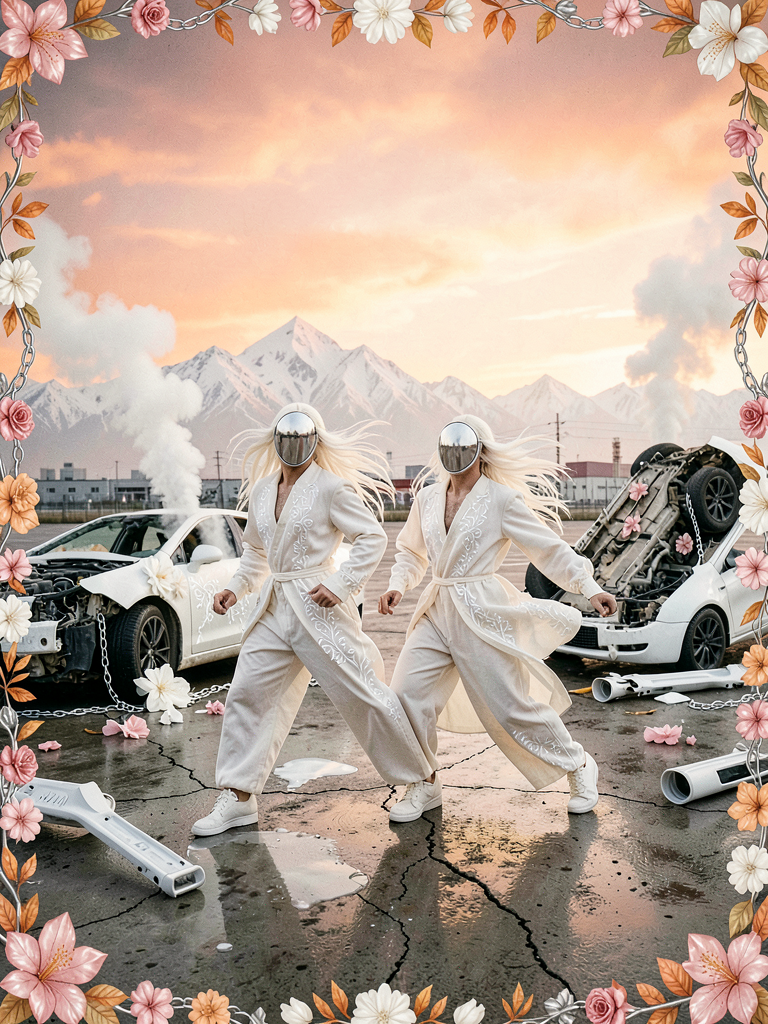
With current models like Z-Image or Flux2Klein we can design pretty elaborate scenes just by prompting. This shows us what the model is capable of understanding and helps us shape the prompt properly for a later step. With a good prompt, we have rough control over elements, but this is nothing compared to what is possible. As a result, we see rather generic, plausible compositions that look good, but feel boring.
step #2 – squeezing the output – creating offset sketches
Using the previously developed prompt, we can add hand-drawn color maps and ControlNet elements to a basic workflow to mash up the entire composition. We can add basic image color controls to the workflow to control contrast, color balance or brightness. The rendering results should be ambiguous in what they depict, while remaining precise in composition, colors and overall mood. This workflow uses Stable Diffusion 1.5 – beware of its ugly sexist bias and use proper negative prompting!!!
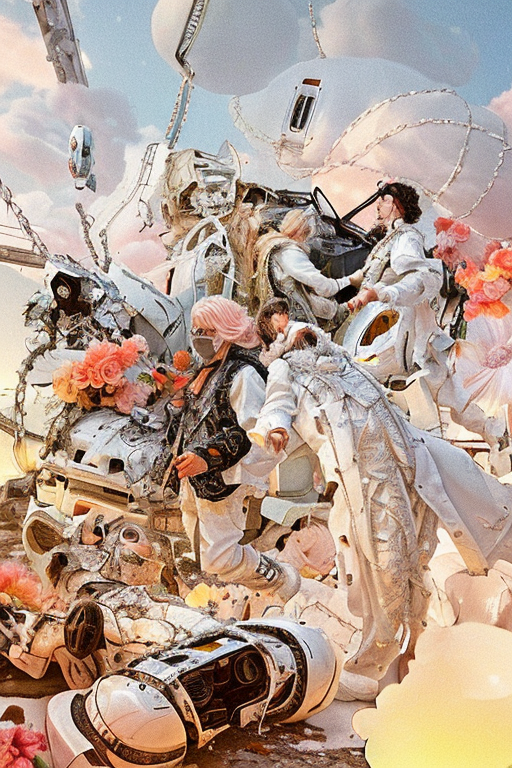
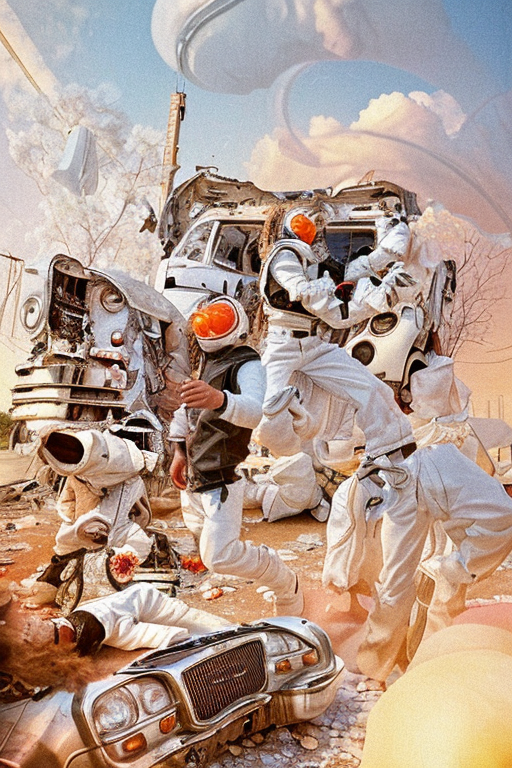
step #3 – interpolation and upscaling
Coming from the rough sketches, which offer a compositional range, we can use capable diffusion models to reinterpret the raw output with real precision. This is where the base prompt we developed for step #1 is needed. We can steer the interpretation, increase the quality and get rid of potential bias.
Download Z-Image Image2Image basic workflow for ComfyUI z_image_i2i_basic
Download FLux I Krea Image2Image basic workflow for ComfyUI FLUX_KREA_i2I
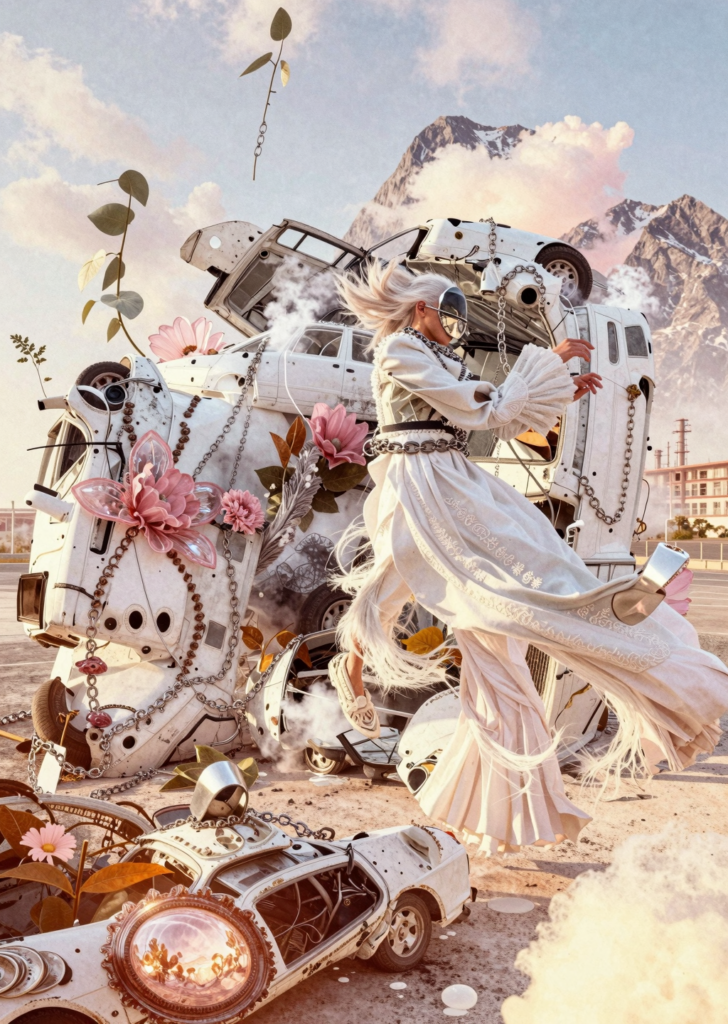
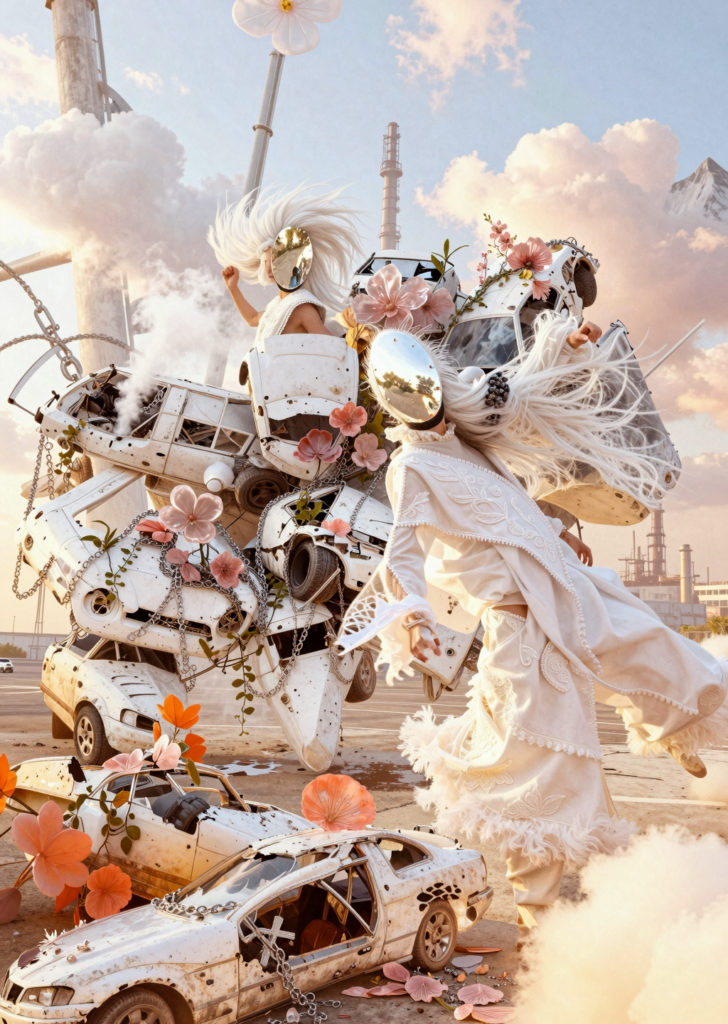
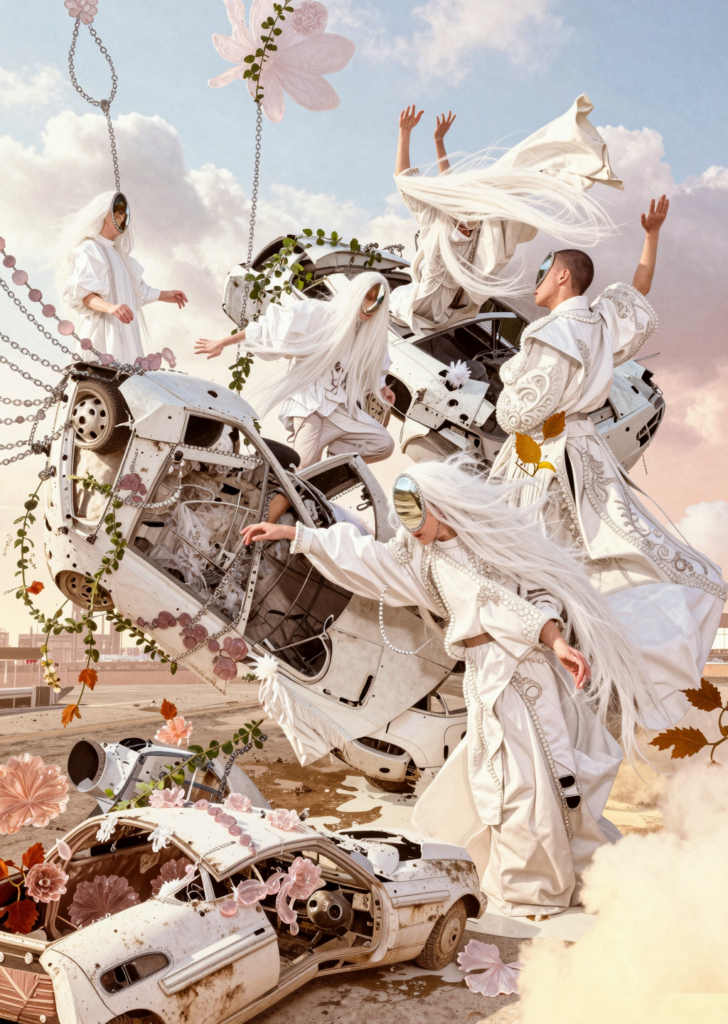
Z-Image Prerender + Upscale